


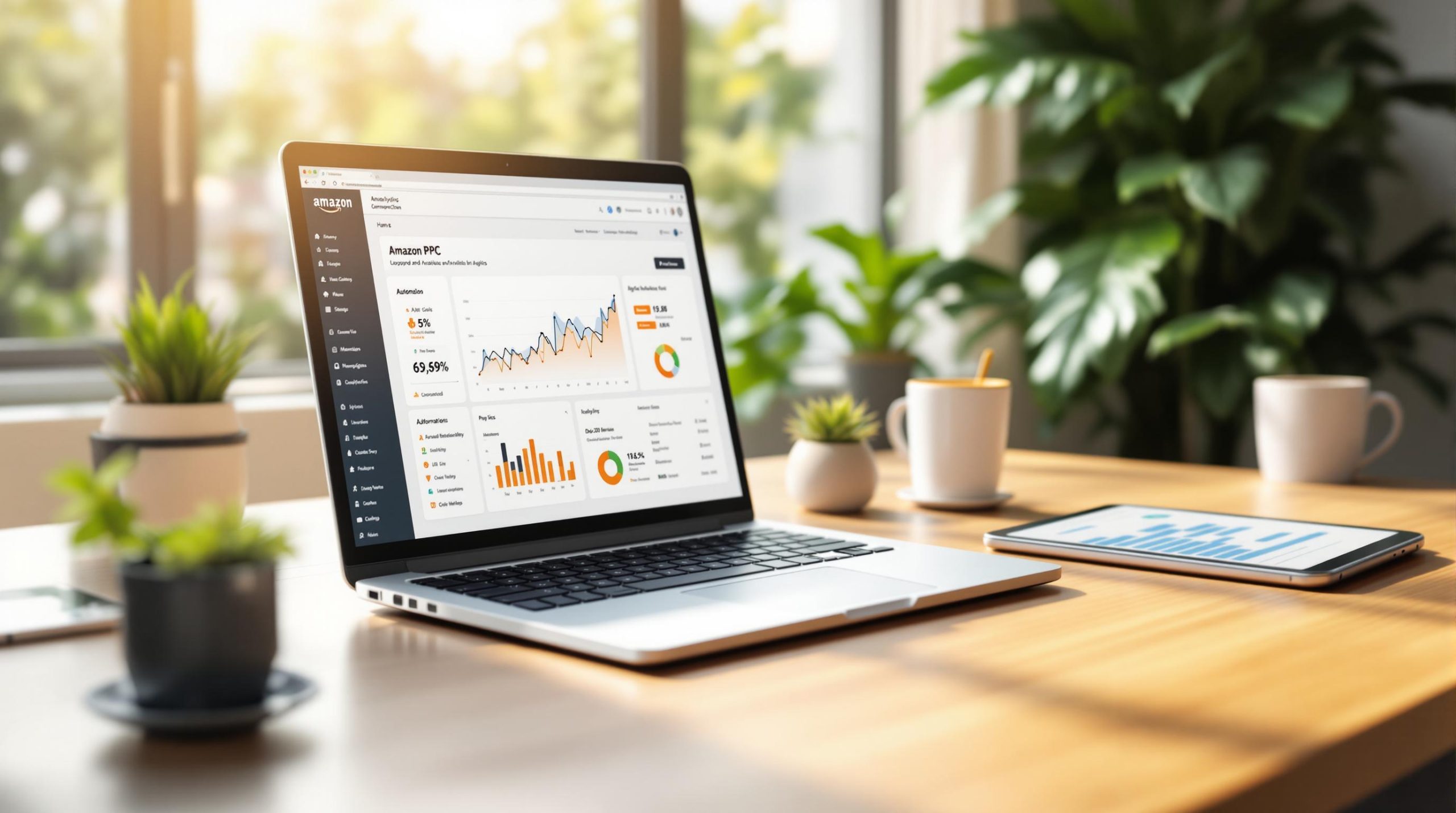
Key Benefits of Automation:
- Time Savings: Automating repetitive tasks cuts campaign management time by 62%.
- Better Results: AI tools improve Return on Ad Spend (ROAS) by 34% compared to manual methods.
- Cost Efficiency: Sellers report up to 18% lower ACoS and 40% higher ad sales in 90 days.
Tools to Consider:
- PPCAssist: Budget-friendly (€79/month) for small sellers.
- Adtomic (Helium 10): Advanced AI features and keyword tools ($99/month).
- Sellics: Best for large sellers with customizable analytics ($249/month).
Quick Comparison Table:
| Feature | PPCAssist (€79/mo) | Adtomic ($99/mo) | Sellics ($249/mo) |
|---|---|---|---|
| AI Optimization | Basic | Advanced | Advanced |
| Keyword Research | Limited | Comprehensive | Advanced |
| Analytics | Basic dashboards | In-depth | Custom reporting |
| Store Connections | Up to 3 stores | Unlimited | Based on plan |
How to Get Started:
- Set Up Campaigns: Use Amazon’s Campaign Manager to enable dynamic bidding.
- Choose a Tool: Link your account to a third-party tool and set performance rules.
- Monitor Results: Track metrics like ACoS, ROAS, and CTR weekly to refine strategies.
Automation streamlines your workflow, but regular oversight ensures long-term success.
Amazon PPC Automation Tool For Lower ACoS and Advanced Analytics
What is Amazon PPC Automation
Amazon PPC automation involves using software tools and algorithms to manage your advertising campaigns on Amazon with minimal manual effort. Instead of constantly tweaking bids or adjusting targeting yourself, these systems monitor and optimize campaigns automatically, leveraging real-time data and machine learning.
Main PPC Metrics to Track
Automated PPC campaigns rely on several key metrics to gauge performance and make adjustments:
| Metric | Description | Role in Optimization |
|---|---|---|
| ACOS (Advertising Cost of Sale) | Shows how much you’re spending on ads compared to sales generated | Key target for automated bid adjustments |
| TACoS (Total Advertising Cost of Sale) | Measures ad spend’s effect on total sales | Helps evaluate overall marketplace success |
| ROAS (Return on Ad Spend) | Tracks revenue earned for every dollar spent on ads | Guides budget allocation decisions |
| CTR (Click-Through Rate) | Reflects how relevant your ad is to shoppers | Helps refine keyword and targeting strategies |
| Conversion Rate | Percentage of clicks that lead to purchases | Shapes bidding strategies for better results |
According to a 2025 Sellics report, automated campaigns that focused on optimizing ACOS saw a 22% boost in profitability within just three months. This improvement stems from the ability of automation tools to make data-driven adjustments on the fly. Understanding these metrics is essential when deciding between AI-based or rule-based automation.
Types of PPC Automation: AI vs. Rules
Amazon PPC automation typically falls into two categories:
- AI-Based Automation: These systems analyze large amounts of data to predict trends and make decisions automatically. They adjust to changes in the market, competitor behavior, and seasonal shifts without manual input. A 2025 study by SellerApp revealed that AI-driven tools delivered 15% higher ROAS compared to rule-based systems, particularly for sellers with a wide range of products.
- Rule-Based Automation: This approach relies on "if-then" rules. For instance, a rule might pause keywords that exceed a target ACOS, increase bids for high-performing products, or modify budgets based on the time of day. One electronics brand improved its ACOS significantly by implementing hourly bid adjustments, showing how rule-based systems can reduce ad costs while driving sales.
The choice between AI and rule-based automation depends on your business needs. AI systems excel in dynamic and complex environments, adapting quickly to changes. On the other hand, rule-based systems offer predictable control, making them a good fit for businesses with stable product lines.
PPC Automation Tools Guide
The right PPC tool can increase ROAS by as much as 20%.
How to Pick PPC Tools
A 2024 SellerApp survey revealed that 78% of top sellers prioritize AI features and smooth Amazon integration when choosing PPC tools. When evaluating tools, keep these factors in mind:
- Core Features: Look for AI-driven bidding, automated keyword management, support for multiple marketplaces, and compatibility with Amazon APIs.
- Business Needs: Consider pricing, scalability, quality of analytics, and the level of customer support.
Sellers who take the time to assess tools before committing report 22% higher satisfaction with their choice. Below is a comparison of leading platforms to help you decide.
PPCAssist vs Adtomic vs Sellics: Features and Costs
Choosing the right tool is essential for optimizing campaign performance and managing ACOS effectively. Here’s a breakdown of the top platforms:
| Feature | PPCAssist | Adtomic (Helium 10) | Sellics |
|---|---|---|---|
| Starting Price | €79/month | $99/month | $249/month |
| Pricing Model | Flat rate | Part of Helium 10 | Ad spend based |
| AI Optimization | Basic | Advanced | Advanced |
| Keyword Research | Limited | Comprehensive | Advanced |
| Analytics | Basic dashboards | In-depth analysis | Custom reporting |
| Support | Chat + Onboarding | Full suite support | Premium support |
| Store Connections | Up to 3 stores | Unlimited | Based on plan |
Tool Highlights:
- PPCAssist: A budget-friendly option at €79/month, great for small sellers starting with PPC automation.
- Adtomic (Helium 10): Known for ease of use (4.5/5 rating), it offers strong keyword discovery tools and seamless integration.
- Sellics: Designed for larger sellers, it provides advanced AI bidding, customizable reporting, and detailed analytics (4.3/5 rating [12]).
Most platforms offer free trials, so you can test features before committing. Research from Teikametrics shows that 63% of sellers who implemented PPC tools effectively saw a 25% or greater boost in campaign performance within three months.
sbb-itb-442c4b6
Step-by-Step PPC Campaign Automation
Follow these three steps to automate your PPC campaigns: set up Amazon Campaign Manager, configure a third-party tool, and enable keyword automation.
Amazon Campaign Manager Setup Steps
- Initial Campaign Configuration
Go to Campaign Manager in Seller Central and select your target campaign. In the bidding strategy settings, choose "Dynamic bids – up and down" to allow full automation.
- Bid Optimization Setup
Set maximum bid limits and adjust bids based on how your campaign performs. Amazon suggests running campaigns for at least two weeks before enabling full automation to gather enough performance data. Once this is done, move on to configuring your third-party tool for added control.
Third-Party Tool Setup Guide
Here’s how to set up your third-party tool:
-
Account Connection and Rule Creation
Link your Amazon account to the tool and create rules based on key performance metrics. For example:- If a keyword’s CTR is above 2% but has no conversions, lower its bid by 10%.
- If a keyword’s ACoS is below your target, increase its bid by 5%.
Set how often adjustments are made and establish daily budget limits.
-
Performance Guardrails
Add safeguards to your rules to avoid overspending and quickly address poorly performing keywords. Regularly review and tweak these rules as your campaign collects more data.
Keyword Automation Example
Here’s an example of successful keyword automation with Sellics:
A kitchen appliance seller set a 25% target ACoS, a $50 daily budget, and used AI-driven keyword discovery. After 30 days, they found 127 new converting keywords, reduced their ACoS from 32% to 24%, and boosted sales by 22%.
According to Sellics, AI-powered keyword discovery identifies 40% more converting keywords on average compared to manual research.
For best results, monitor your campaigns daily during the first week, then move to weekly reviews.
Managing Automated PPC Campaigns
To effectively manage PPC campaigns, it’s crucial to balance AI-powered automation with regular manual checks. According to recent data, 68% of Amazon advertisers improve efficiency through automation, but consistent oversight and quick adjustments are key to long-term success.
Once automation is in place, ongoing monitoring is essential to keep campaigns performing well.
Reading PPC Performance Reports
Keep an eye on these important metrics:
- ACoS (Advertising Cost of Sale): Successful Amazon sellers typically aim for an ACoS between 15-30%.
- Click-Through Rate (CTR): Watch for sudden drops, which could signal ad fatigue or relevance issues.
- Conversion Rate: Measure how effectively clicks result in sales.
- TACoS (Total Advertising Cost of Sale): Evaluate how advertising impacts overall sales.
For example, Mountain Peak Outfitters used Helium 10’s Adtomic tool to lower their ACoS from 32% to 18% in just 60 days, while increasing ad sales by 40%.
Here’s a suggested monitoring schedule:
| Campaign Stage | Review Frequency | Key Focus Areas |
|---|---|---|
| First 2 weeks | Daily | Budget pacing, keyword performance |
| Stable campaigns | Weekly | ACoS trends, conversion rates |
| Peak seasons | Twice daily | Competition changes, budget utilization |
Adjustments are especially important during seasonal shifts to maintain performance.
Handling Holiday Sales and Market Changes
During busy seasons like the holidays, fine-tune your automated campaigns. Sellers who adjusted their automation during the 2024 holiday season reported a 65% sales increase compared to the previous quarter.
To stay competitive during peak periods:
- Adjust bidding thresholds to match seasonal competition.
- Include seasonal keywords in your campaigns.
- Set spend alerts to avoid budget overruns.
- Use dayparting to optimize ad performance throughout the day.
For unpredictable market changes, use automated safeguards. For instance, you can set up automatic pausing for keywords with an ACoS above 50% over a 7-day period, while allowing bid increases of up to 10% for keywords with an ACoS below 15%. These adjustments help keep your campaigns efficient, even in fluctuating conditions.
Conclusion: Next Steps for PPC Automation
Effective setup and management are just the beginning – here’s how to take your Amazon PPC automation to the next level. By automating campaigns, sellers have reported saving 10–15 hours per week and improving ACOS by 15–20%.
Steps to Get Started:
-
Focus on Your Best Campaign
A SellerApp case study highlighted how an electronics seller automated their top-performing campaign, leading to impressive results. -
Pick the Right Tools
Look for platforms that align with your goals and budget. For instance, PPCAssist offers AI-powered optimization for €79/month (up to three store connections), while managed services start at €299/month. -
Keep an Eye on Performance
Regularly track metrics like ACOS, ROAS, CTR, and conversion rates. Once you’re confident, explore advanced features like dayparting and competitive intelligence, which can further improve ACOS by 10–15%.
"Early adopters of Amazon’s machine learning-based bidding saw up to 25% improvement in ROAS within the first month of implementation".
Automation clearly saves time and improves results. However, combining AI tools with human oversight is key. For example, sellers have seen ad-attributed sales grow by 34% within just 30 days.


Leave a Reply